When developing the .NET app, you are not only creating an .exe. Most of the time, you will need some other files like .bmp, App.Config, and .xml. For those resource files(data or images), you could simply embed into the main exe and access it class "
ResourceManager", though it might increase the size tremendously. But what if for those XML file that need user customization? You might put them along with your main executable file during deployment, for initialization. Thus you will need to find where your .exe starts, and to read XML file that relative to it. So now you might think you got at least two choices, "
Environment.CurrentDirectory" & "
Application.StartupPath".
From the MSDN, the definition of:
a) Environment.CurrentDirectory
Gets or sets the fully qualified path of the current working directory.
b) Application.StartupPath
Gets the path for the executable file that started the application, not including the executable name.
They look similar & match your purpose. "Environment.CurrentDirectory" looks good, especially it is located inside "System" namespace, so you no need to add any reference; while "Application.StartupPath" needs to add reference to assembly "System.Windows.Forms". You might think the former one is better for console application, and even windows service! Windows service does not need any GUI and would suppress any messagebox from pop-up. So using "Environment.CurrentDirectory" seems a good choice to prevent the developers simply calling
messagebox in windows service if without adding reference to assembly "System.Windows.Forms", from design perspective.
So I decided to use "Environment.CurrentDirectory" for my dll, which is eventually called by the windows service, and the code to load the XML file would be similar to this:
Dim strXMLFile As String = Environment.CurrentDirectory & "\" & INITIALIZATION_XML
If Not File.Exists(strXMLFile) Then
    Throw New FileNotFoundException("The initialization file " & INITIALIZATION_XML & " does not exist.")
End If
I created a WinForm for test harness of the dll, and everything was fine. Then this dll consumed by the windows services.
Bang! I get an "FileNotFoundException" exception. I use
Debug.Print to find that my XML look-up path was at: "C:\WINDOWS\system32"???
Why? It's because
Windows service applications run in their own security context.and more definition for "
Environment.CurrentDirectory":
Gets and sets the fully qualified path of the current directory; that is, the directory from which this process starts.Using the Reflector:
a) Environment.CurrentDirectory
 b) Application.StartupPath

So, the "Environment.CurrentDirectory" is equivalent to "Application.StartupPath" when running as WinForm/console app and will become variable "%SystemDirectory%" eventually if run under windows service! A lesson learned.
p/s: You could use reflection from class Assembly as well, to find the start-up path.

 3) Now, you see it is loading files and starting Windows.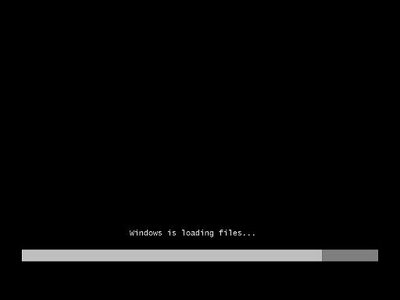
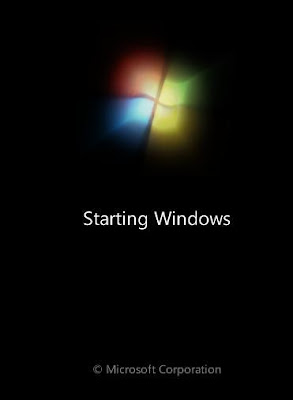 4) Choose the language to install, ..., etc.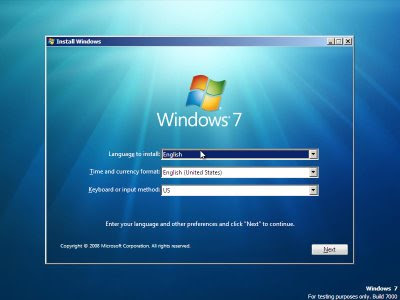
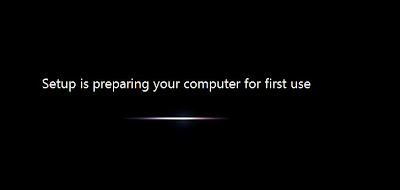
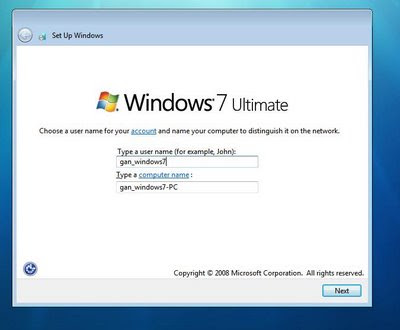
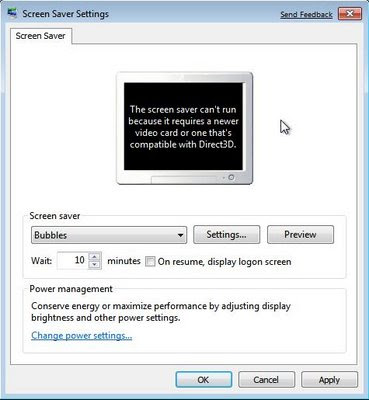
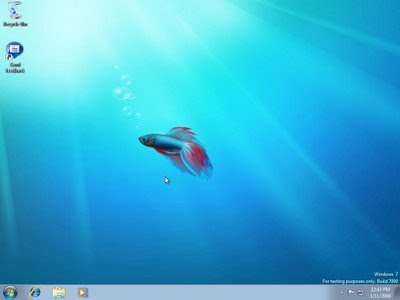 6) ScreenSaver cannot be loaded for Virtual PC with standard VGA virtualized.
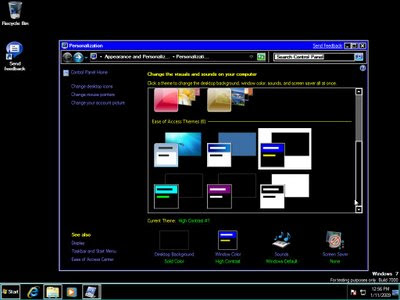
 7) Some basic themes for customization. I see it as a competition with wincustomize.
 8) MS Paint get a Ribbon-look.
 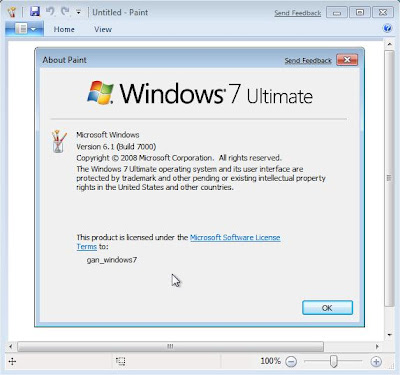 9) Our "Show Desktop" now resides on bottom-right.
 10) And we can try the Internet Explorer 8 Beta as well.


 Sure
Sure 

 3) Here's the content of the installation package if customized installation. Choose the one that meet you needs.
 4) Point the Eclipse installation path for plug in if you want integration with it.
 5) After S60 5th SDK installed, you can start installing Carbide C++ IDE version 2.0, and this is the Welcome screen.
 6) And yes, this screen telling you it's free for all editions!
 7) You can either choose OEM, Professional or Developer Edition here. I wonder who will need Developer Ed. when you have at least Professional Ed. Save disk space?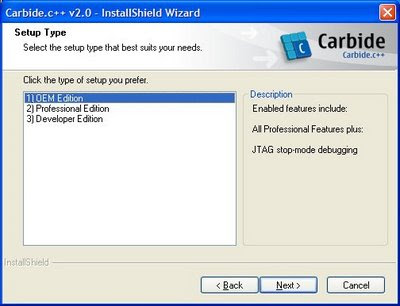

 8) After Carbide C++ IDE installed, you can start it from "Start" menu and you will be welcomed with splash screen.
 9) Carbide IDE is based on Eclipse, so those Eclipse user should familiar with it. You can either choose "Workbench", "Tutorials", .... Here're tutorials available.

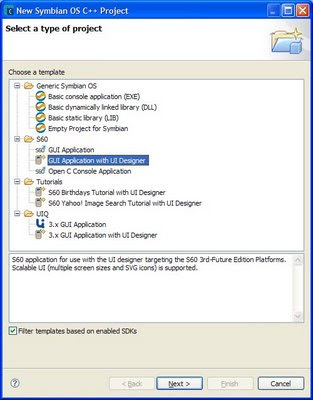 11) "UI Design Selection" for type of app.
 12) Screenshot of Form Designer & Toolbox (in Visual Studio term)
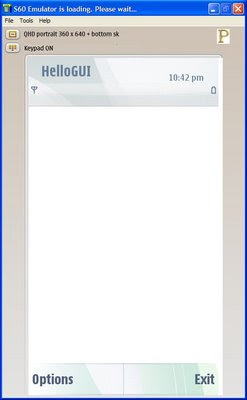
 13) After you build the project (yes, even without adding any feature, it's runnable with basic skeleton), a desktop emulator version of exe will be built.
 14)
14)  Online library get be reached